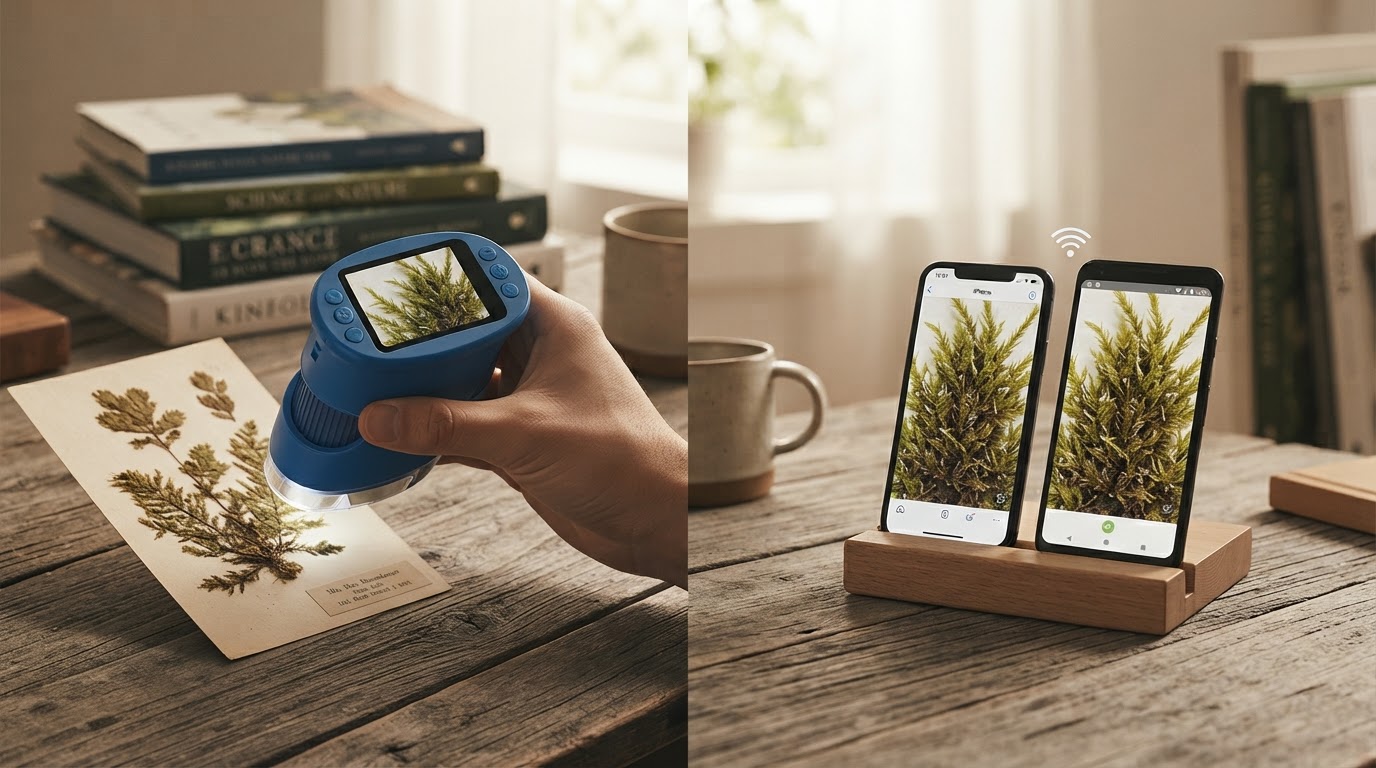
Little Lab Mobile Integration for iOS and Android
 Maya ChenContributing Editor
November 10, 2026 — The shift toward untethered mobile microscopy has accelerated with the release of the Little Lab wireless interface for iPhone and Android users. While the conventional wisdom says that wired connections provide the only stable data path for high-resolution imaging, recent hardware iterations are challenging that baseline. According to technical documentation from the Wi-Fi Alliance, modern 2.4GHz and 5GHz protocols now support the sustained throughput necessary for lag-free 1080p video streaming in short-range consumer optics. This evolution allows Little Lab to bypass the physical constraints of legacy hardware without sacrificing the frame rates required for viewing live biological specimens.
The Three Connectivity Protocols
Here’s the part nobody talks about: the bottleneck in mobile microscopy isn't the lens, but the handshake between the device's internal Wi-Fi chip and the mobile operating system's background processes. Run the math: a standard 2MP sensor generates roughly 60MB of raw data per minute at 30 frames per second. Little Lab manages this by utilizing a dedicated point-to-point Wi-Fi broadcast, which allows an iPhone or Android device to join the microscope's network directly. This bypasses the need for a local router, a critical feature for field work where cellular signals are non-existent. The hardware features a built-in rechargeable battery that provides up to 3 hours of continuous operation, a significant lead over generic alternatives that often fail at the 90-minute mark due to thermal throttling. Furthermore, the integration with mobile apps allows for one-touch capture, which is inherently more efficient than the multi-step process required when using a usb microscope for classroom use. While a digital magnifying glass for kids offers simplicity, it lacks the sensor-to-screen synchronization found here. The setup process involves a specific sequence—powering the unit, selecting the SSID in the phone settings, and launching the interface—which ensures the mobile device prioritizes the microscope's data stream over background app updates. This is particularly effective when [pairing Little Lab with classroom tablets](/blog/wireless-microscope-for-kids-tablet) or a wireless microscope for kids tablet setup where multiple signals might otherwise conflict.
Expert tip: To maintain maximum frame rates on Android devices, disable 'Smart Network Switch' in your Wi-Fi settings to prevent the phone from dropping the microscope connection in search of a signal with internet access.
I’ll change my mind when a universal wired standard actually gains 100% adoption across both Apple and Samsung ecosystems, but until then, the wireless bridge remains the most reliable path for mobile users.