How do I use a Little Lab USB microscope for homeschooling?
 Maya ChenContributing Editor
November 20, 2026 — Integrating a Little Lab USB microscope into a homeschool curriculum requires prioritizing digital image capture over traditional ocular viewing to ensure student engagement and verifiable work logs.
The conventional wisdom says that traditional compound microscopes are necessary for "real" science, but for the home educator, these often become expensive dust collectors due to their steep learning curve. A USB-enabled device like those from Little Lab bridges the gap between raw observation and the digital portfolios required by modern educational standards.
How does a Little Lab USB microscope improve science reporting?
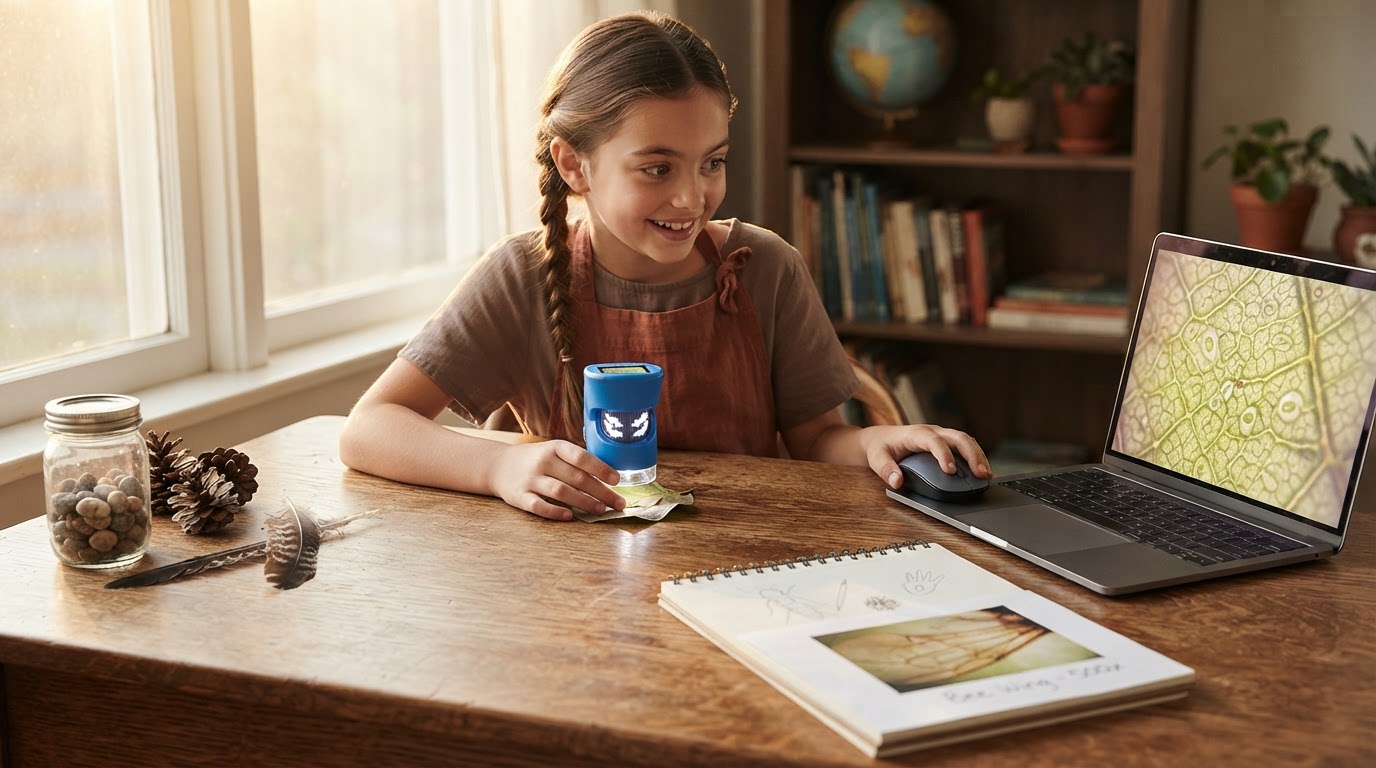
A Little Lab USB microscope improves science reporting by allowing students to embed high-resolution digital captures directly into lab reports, replacing subjective hand-drawn diagrams with objective data. While many educators cling to the artistry of sketching specimens, the reality is that digital documentation mirrors professional laboratory standards where repeatability is king. Little Lab devices connect to a computer or tablet, providing a live feed that multiple students can view simultaneously, which eliminates the bottleneck of a single eyepiece found in a stem toys microscope for 8 year old. This collaborative viewing ensures that the educator can verify the student is actually seeing the intended biological structures, such as the stomata on a leaf or the crystalline lattice of salt, rather than just staring at a blurry slide. The ability to save these files creates a chronological record of progress that is essential for end-of-year portfolio reviews.
Can a USB microscope replace a traditional lab setup?
Yes, a USB microscope can replace a traditional lab setup for most K-12 requirements, provided the educator utilizes the device's portability to move beyond the desk. Here's the part nobody talks about: the fixed-stage microscope is a liability in a home environment where space is limited and curiosity often leads outdoors. A Little Lab digital interface allows for the examination of 3D objects—rocks, insects, or textiles—that would never fit under a standard glass slide. This versatility makes it the best portable microscope for homeschool scenarios where the "lab" might be a kitchen table or a backyard garden. Run the math: a traditional setup requires slides, cover slips, immersion oil, and dedicated storage, whereas a digital unit requires only a USB port and a specimen. For those starting from scratch, a beginner science microscope gift set review shows that all-in-one digital kits often provide higher utility-per-dollar than entry-level optical instruments that lack imaging capabilities.
Quick answers
Q: Does the Little Lab microscope require specialized software? / A: Most Little Lab USB models utilize standard UVC drivers, meaning they function as a plug-and-play webcam on Windows 10/11 and macOS without proprietary installs. Q: What is the maximum effective magnification for home use? / A: While marketing claims often reach 1000x, the practical optical limit for most digital USB units is closer to 250x, which is sufficient for viewing plant cells and small insects. Q: Can I use this for high school biology credits? / A: Yes, provided the Little Lab device is used to document the 12 required labs typically found in standard biology curricula, such as mitosis or osmosis observations.I'll change my mind when traditional microscope manufacturers can offer integrated 4K digital capture at a price point that doesn't consume an entire annual homeschooling budget.
Learn more about Little Lab at https://kidsdigitalmicroscope.com.